

Now more security around who can edit the configuration of individual rosters.
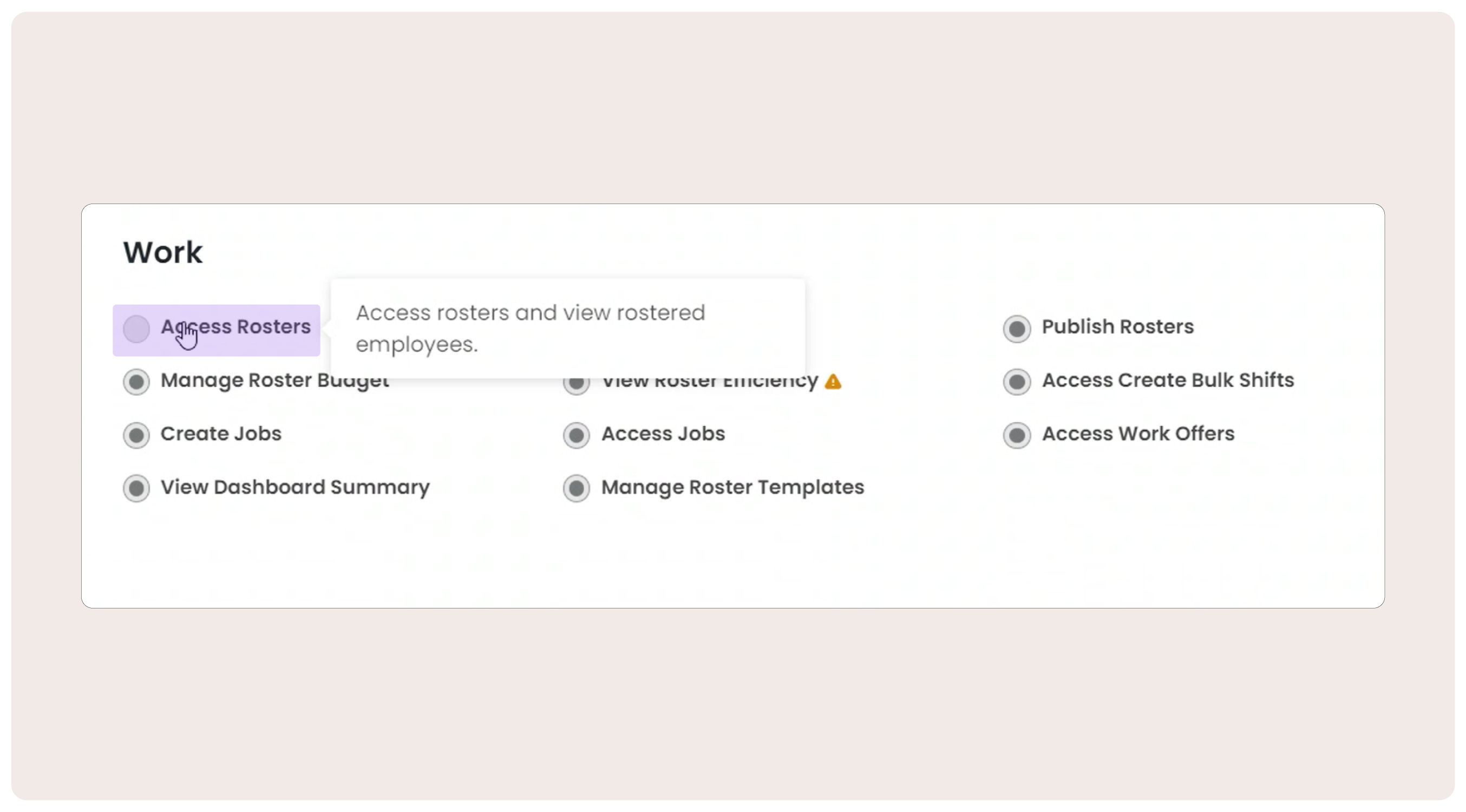
When enabled the 'Access Rosters' Permission will allow the user to create their normal weekly rosters without the ability to make changes to the configuration of rosters from the Roster Overview page. This permission provides greater security around who can edit the details each roster for example, the roster location.
'Access rosters' allow users to:
- Create, edit and delete shifts on the roster.
- Apply notes, leave and allowances to the roster where applicable.
- Prohibits access to create a new operation roster, change location, archive or recover rosters.
It won’t prevent users from scheduling, or editing shifts as per normal.
'Access rosters' is off by default. You can turn it on per user as needed when you have new roster managers who need to create and edit weekly rosters but do not need access to the configuration and settings of individual rosters.
For users that require access to configure new rosters, edit roster locations and details, or archive a roster. Please ensure they have the 'Manage Rosters' permission enabled.
Keep up to date with new features and improvements – hit 'follow' for email notifications of new posts, or bookmark What's New at foundU and check back regularly.
Comments
0 comments