
|
||||||
|
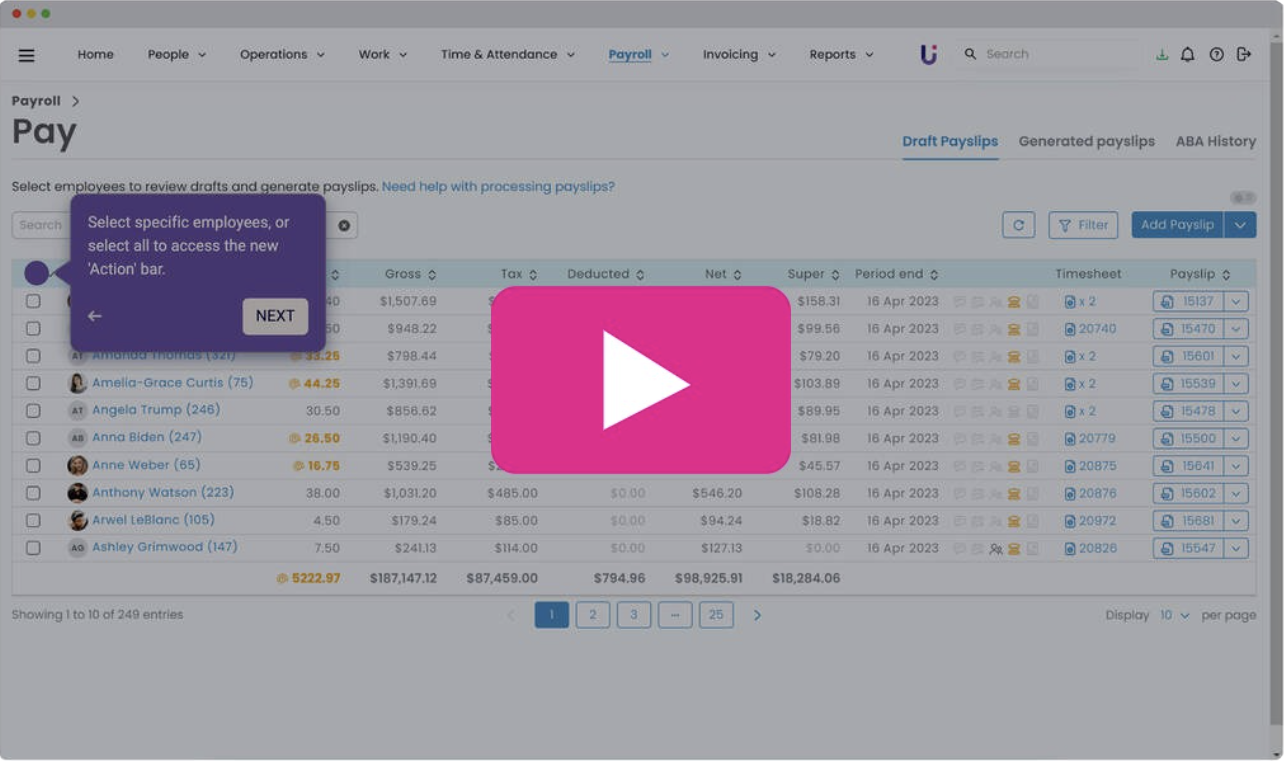
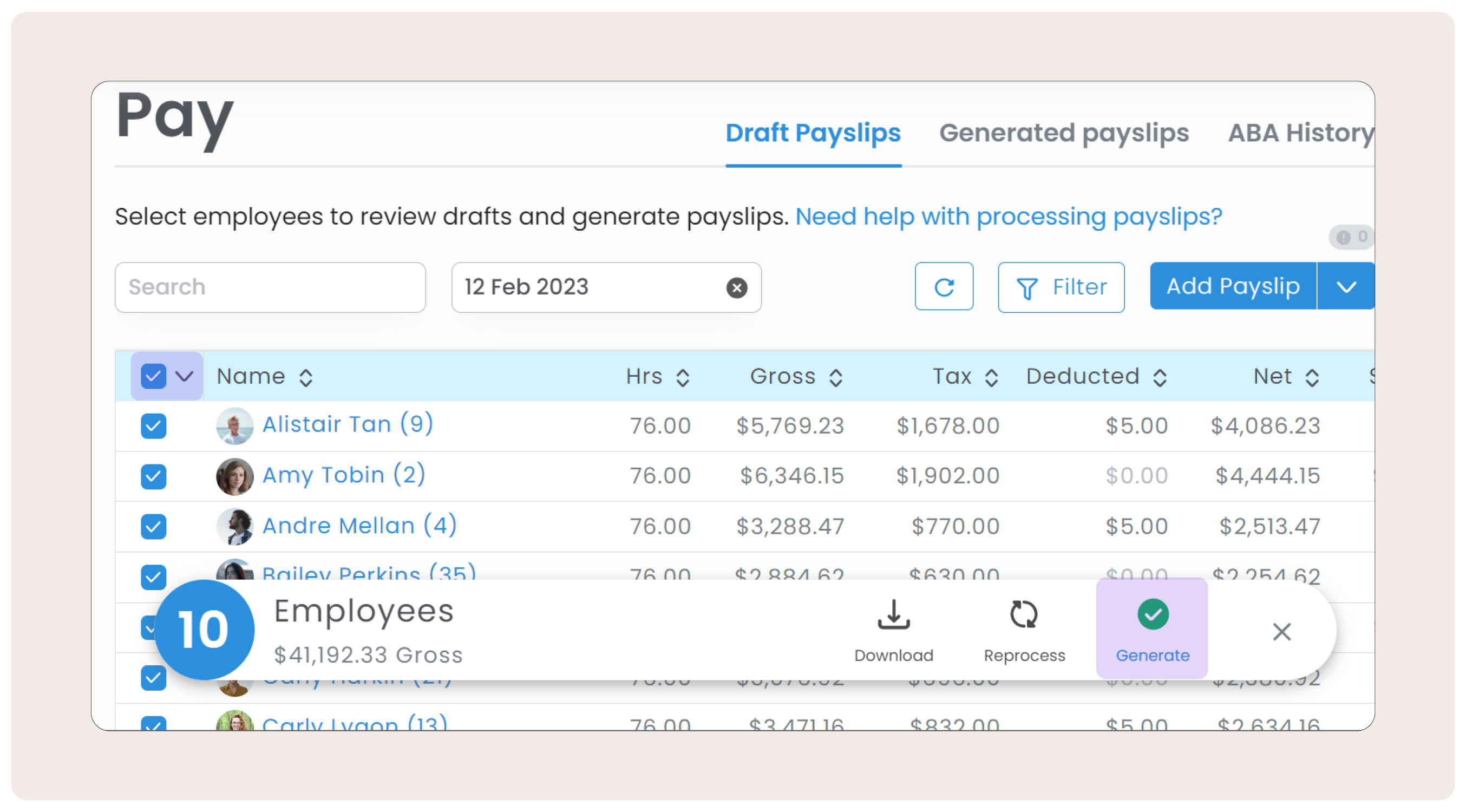
In the new look Draft Payslips page, the 'Generate Payslips' button has moved into a new Action bar. Simply select specific employees, or select all to access the button.
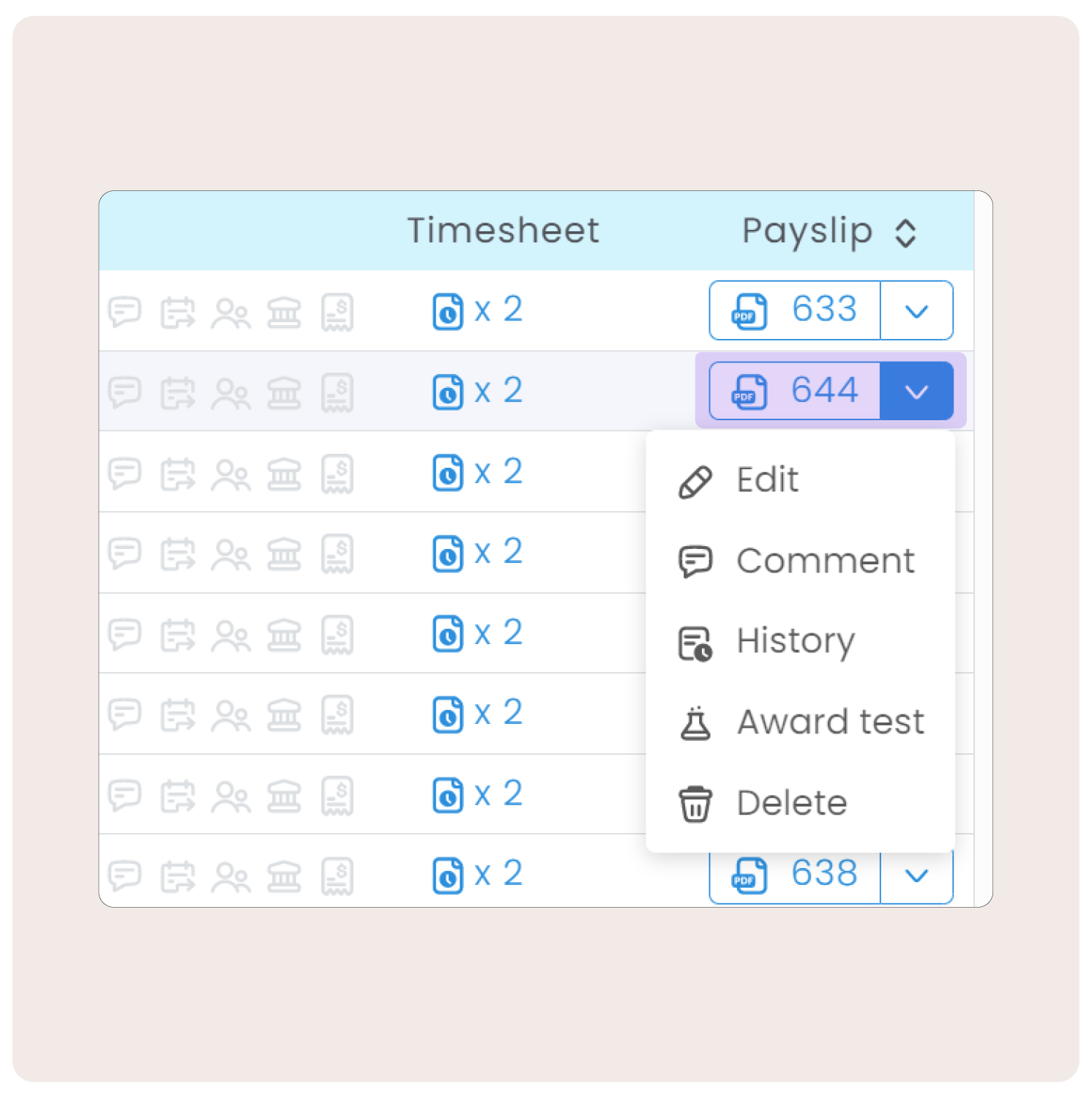
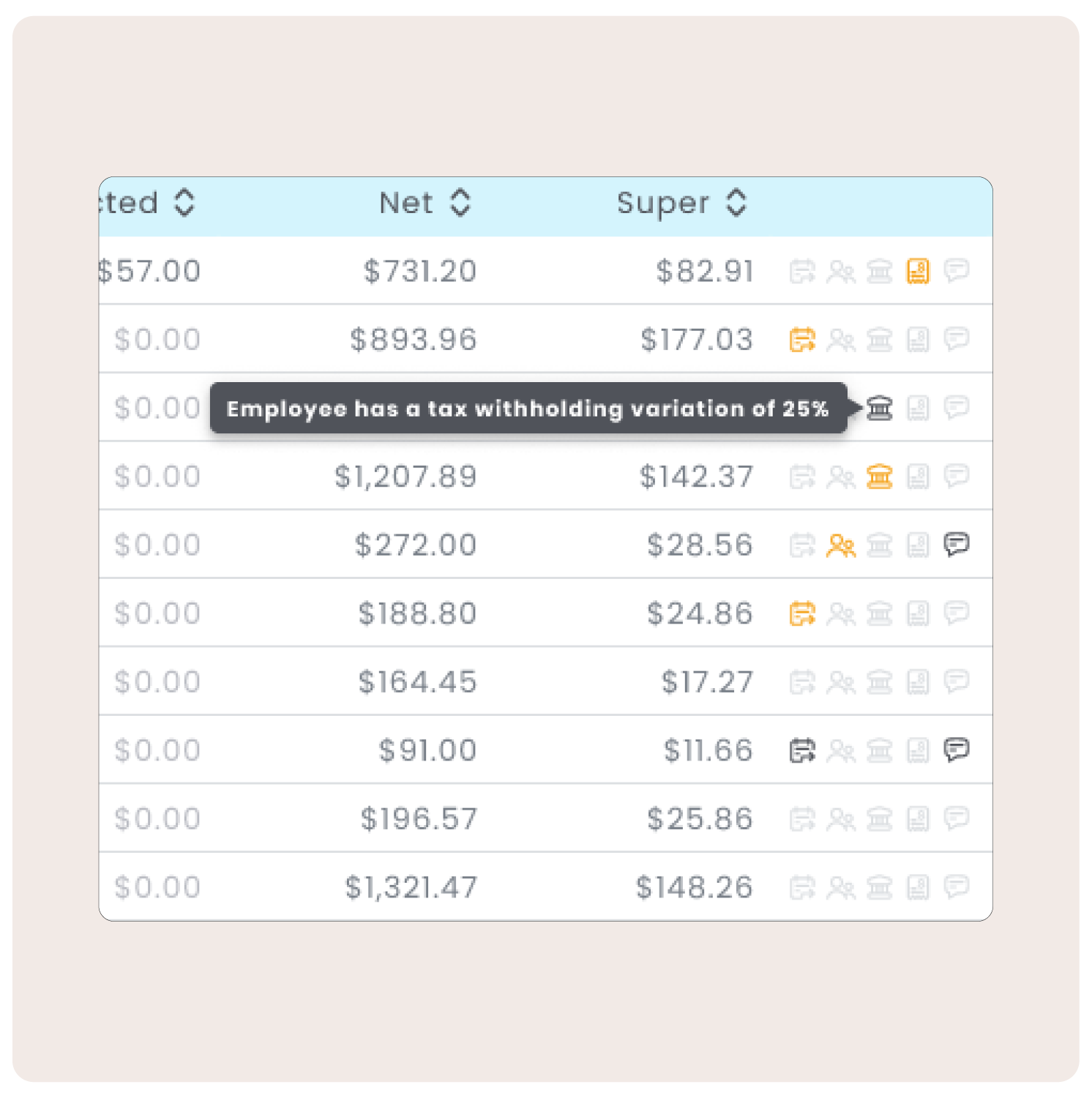
The 'ID' column & 'Actions' have merged into the new 'Payslip' column.
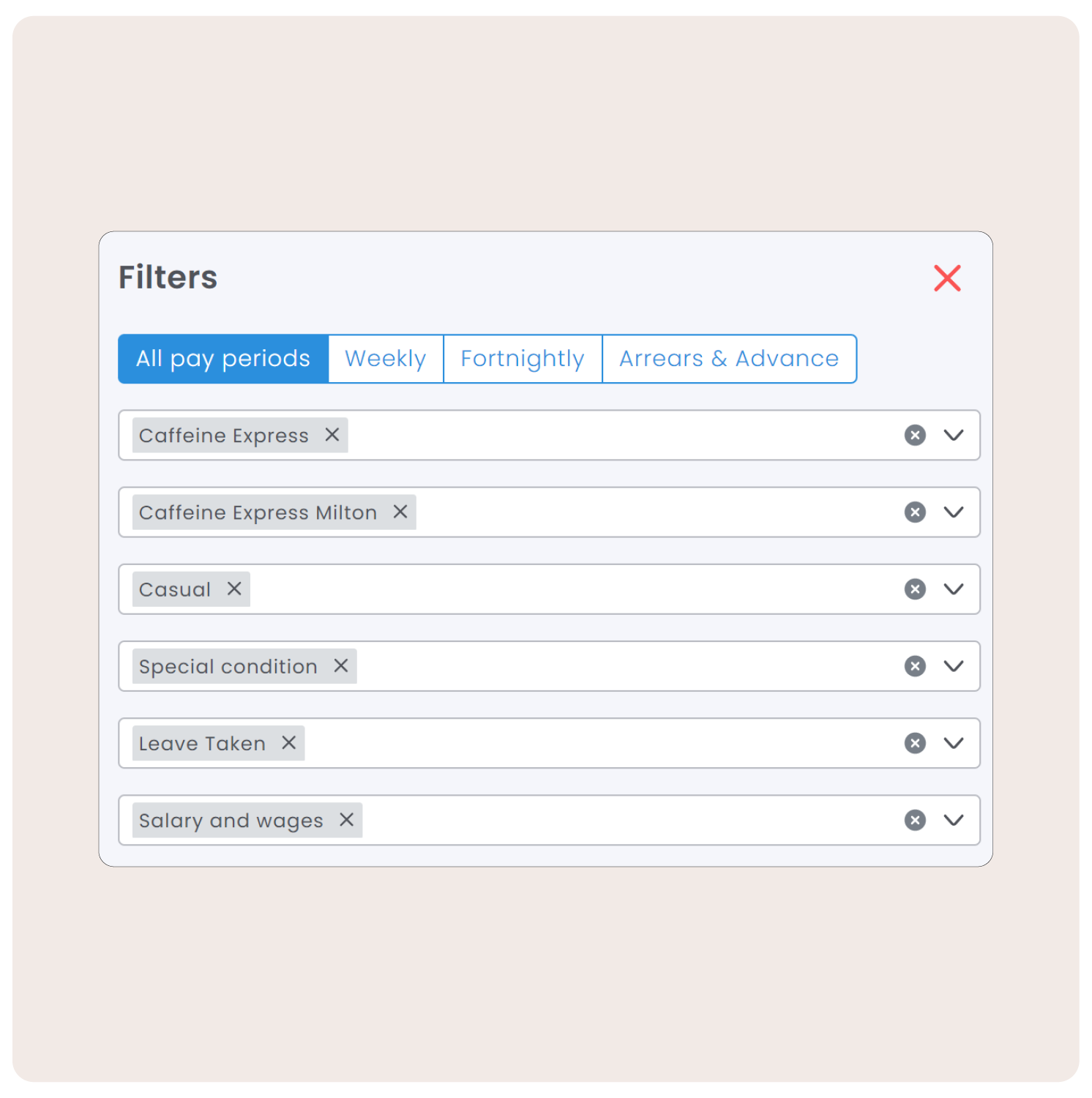
All filters have been merged into a new 'Filter' button at the top right of the page.
The filters you already use can be applied in this easy to use window, with new options for 'Income Type' & 'Monthly Pay Period'.
You can also filter by Batches (if you use batching in the main view).
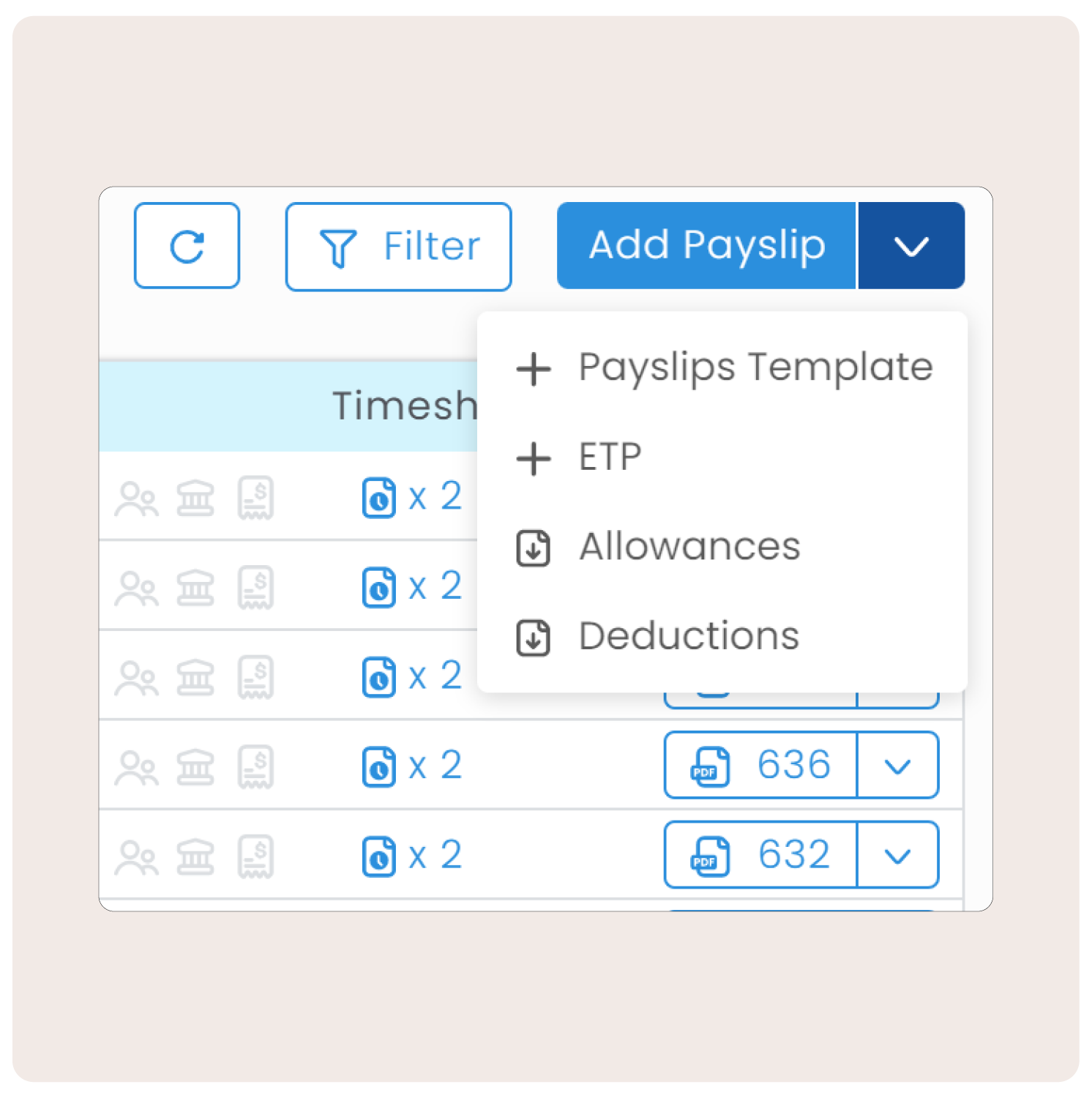
'Create new payslip' has been renamed to 'Add Payslip' with options: Payslip Template, ETP, Allowances and Deductions.
|
|
|
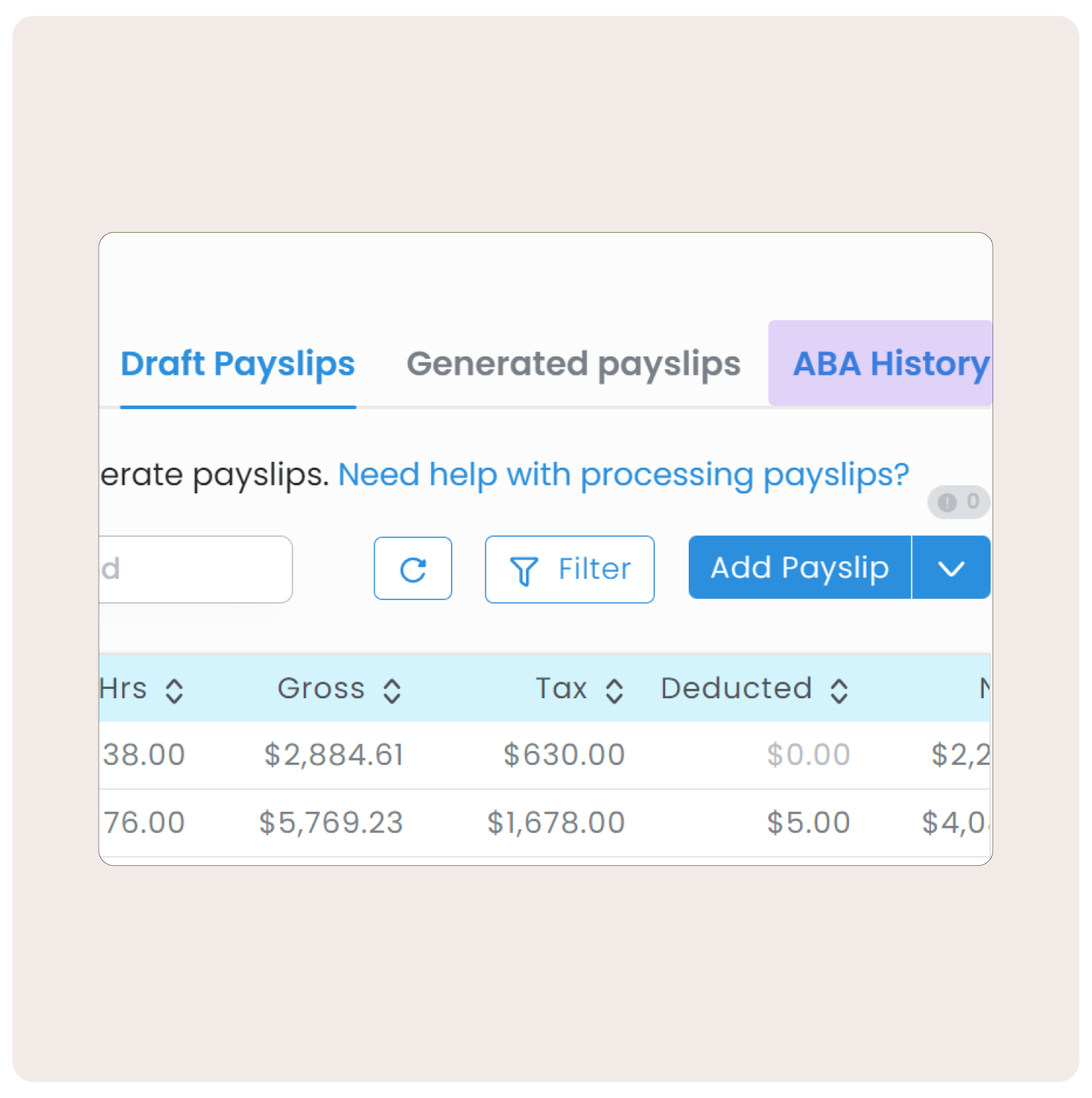
ABA History now lives on all pay pages for easy access.
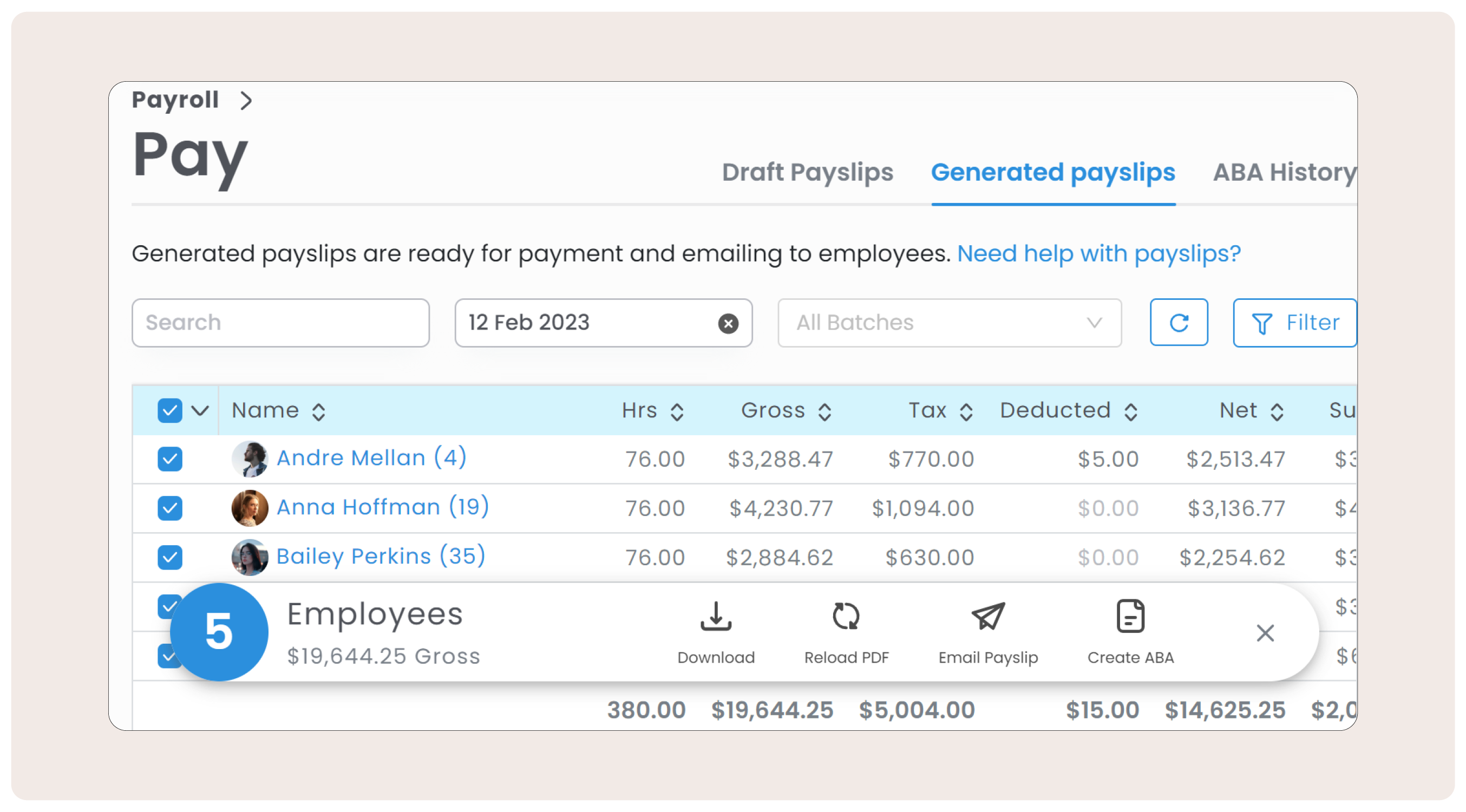
In the new look Generated Payslips page, select specific or all employees to access the new Action bar to:
- Download
- Reload PDF
- Email payslip
- Create ABA
These exciting updates are coming soon! Stay tuned for when this is live in your platform. And as always, if you have any questions please don't hesitate to reach out.
Comments
0 comments