We've updated the icons when approving shifts. Now, you can hover over each icon to see the details, or click on the icon to open the editing window. We've also moved the 'Locked Shifts' icon to appear next to the roster name.
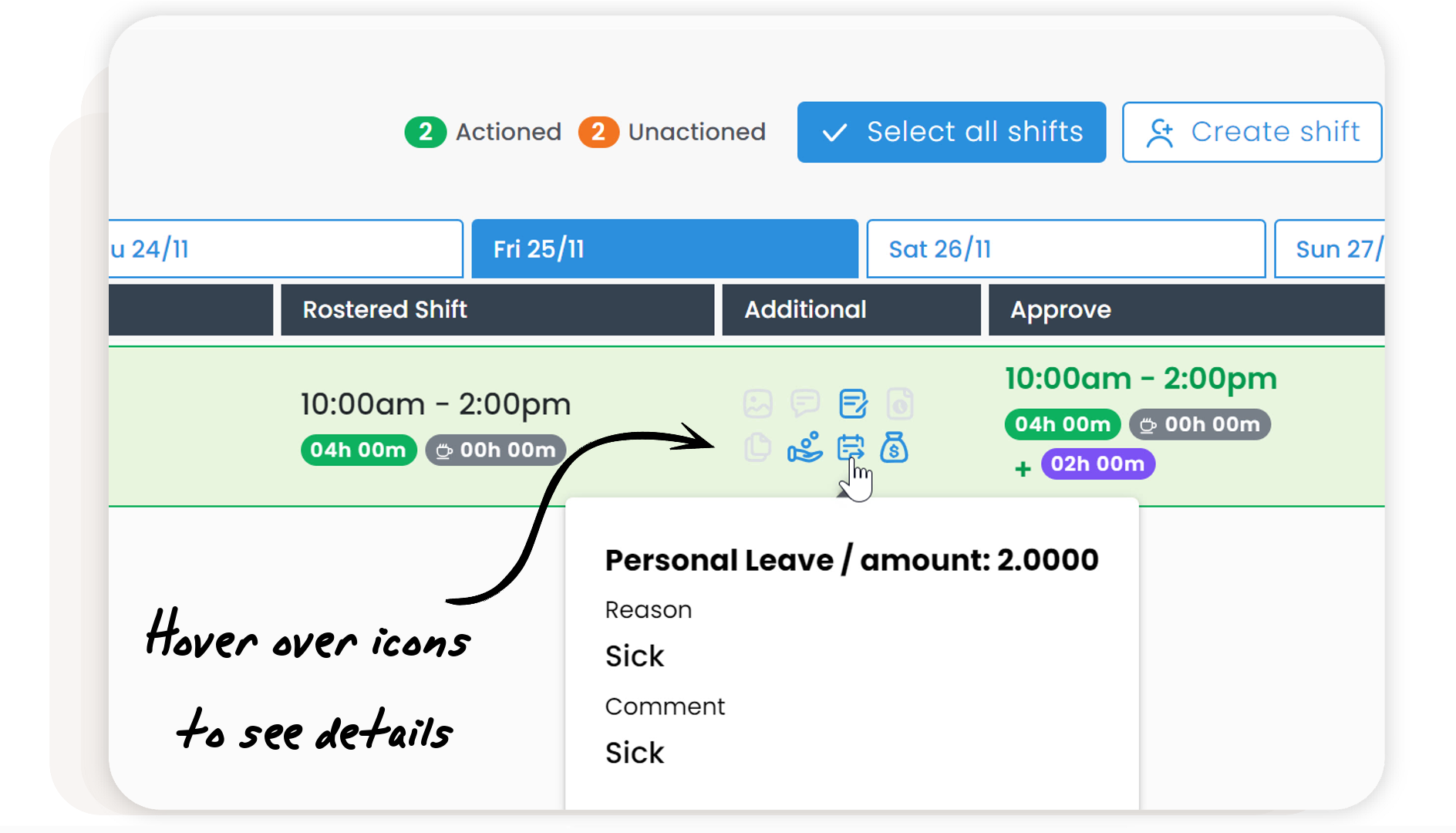
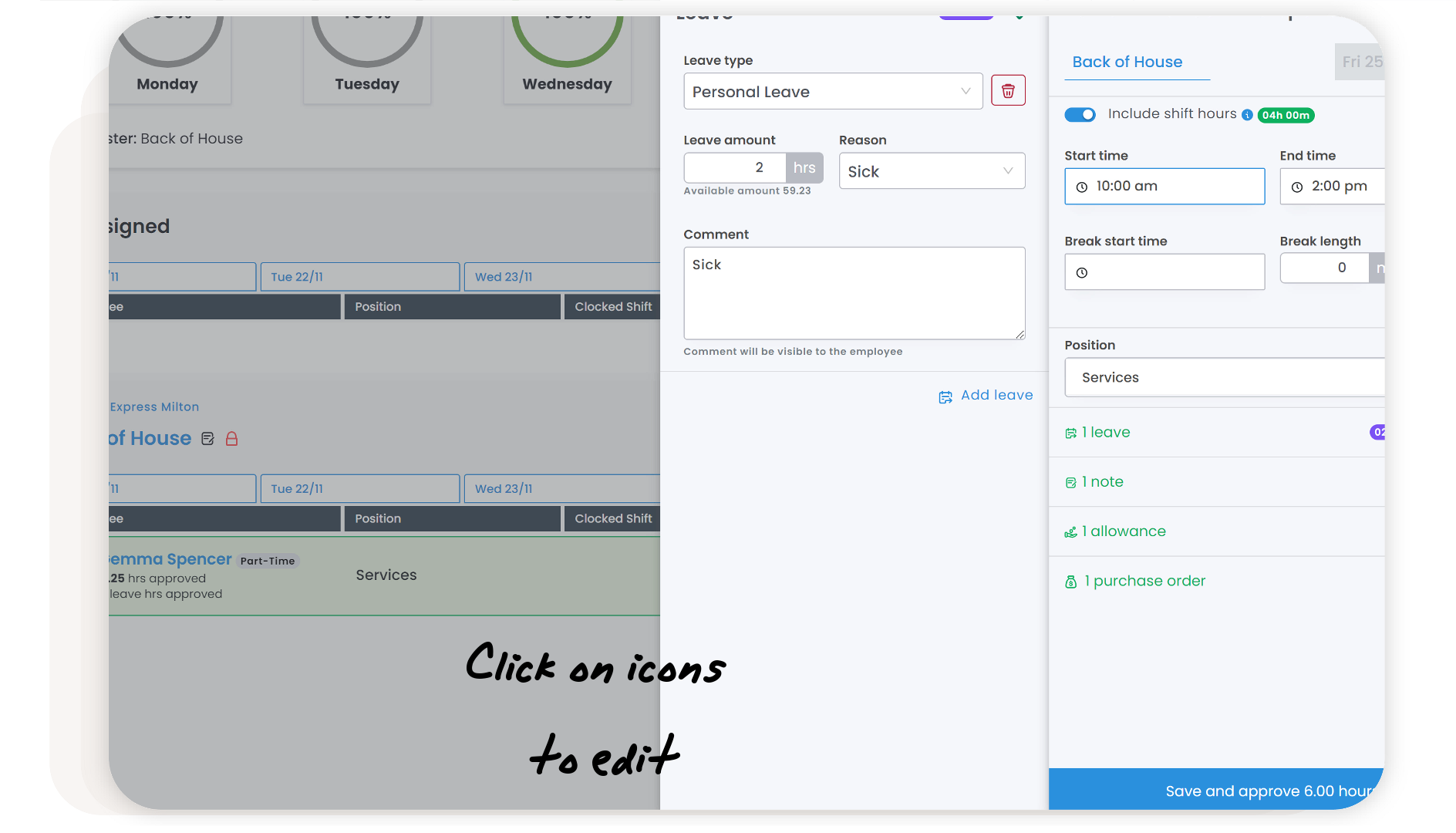
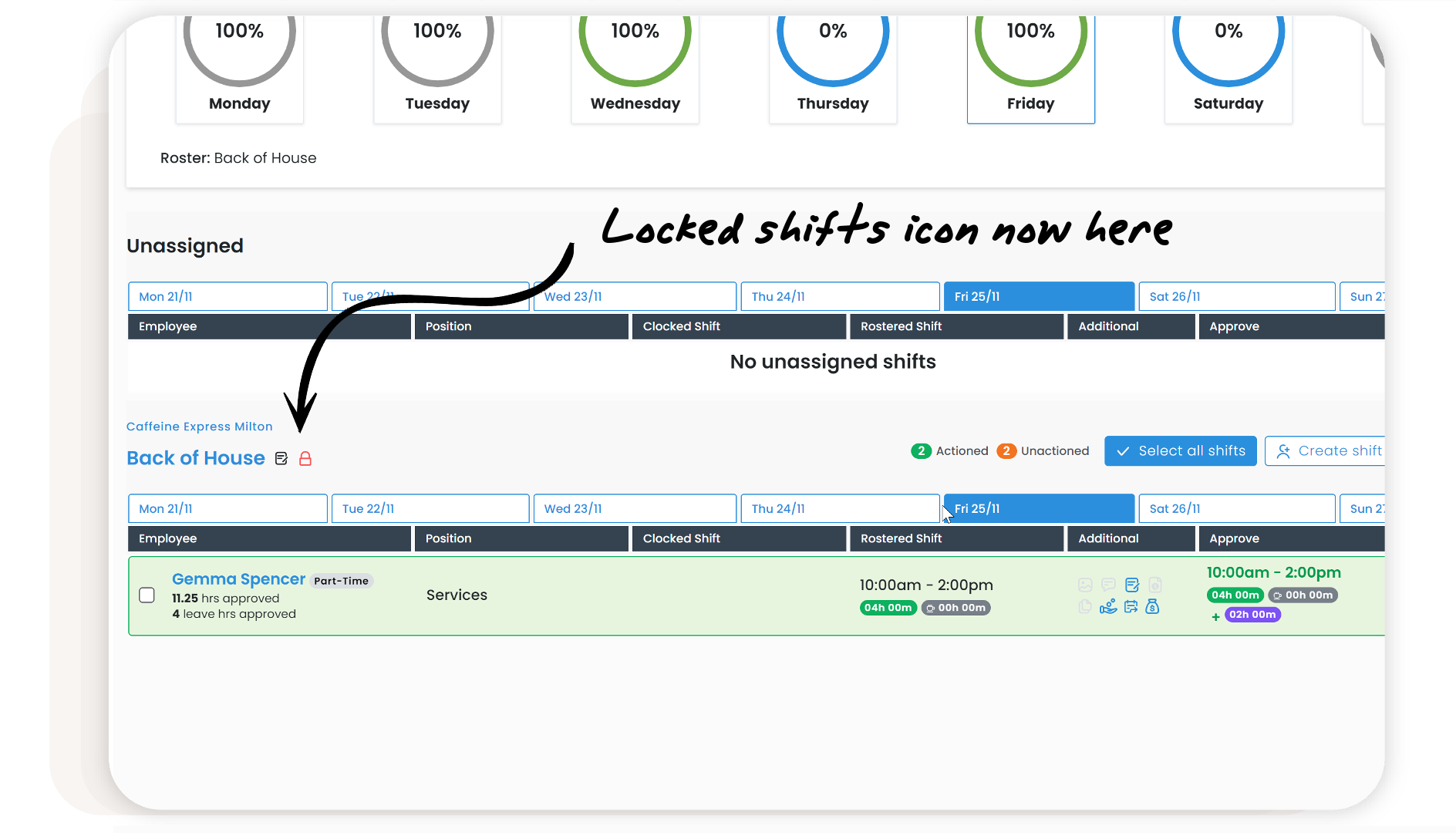

We've updated the icons when approving shifts. Now, you can hover over each icon to see the details, or click on the icon to open the editing window. We've also moved the 'Locked Shifts' icon to appear next to the roster name.
Didn't find what you were looking for?
New postPlease sign in to leave a comment.
Comments
0 comments