You can now click 'View Approve Shifts' on any day (the 3 dots to the right of the day/date) on your roster to take you straight to the corresponding day within Approve Shifts, where you can update shifts immediately.
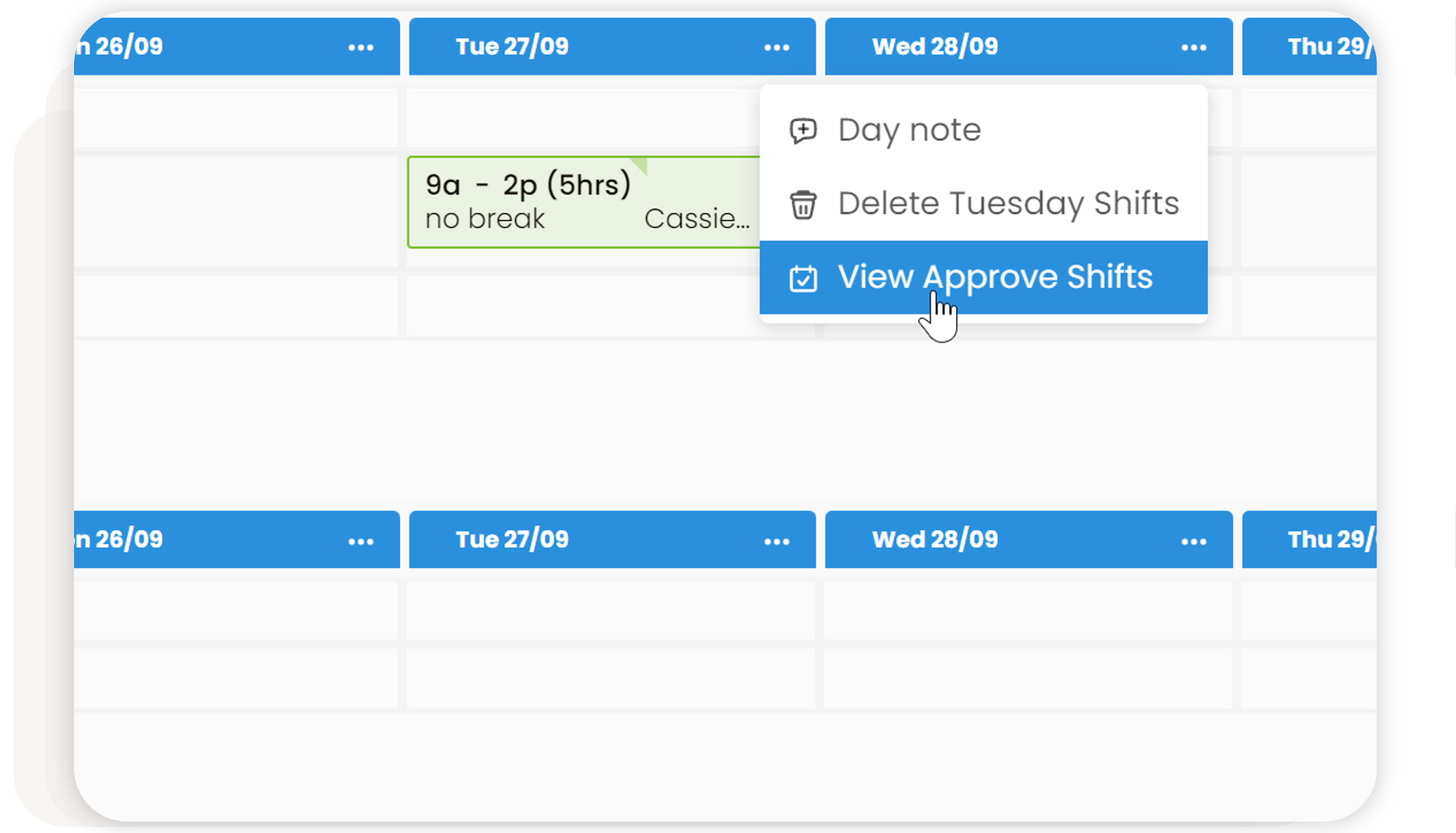

You can now click 'View Approve Shifts' on any day (the 3 dots to the right of the day/date) on your roster to take you straight to the corresponding day within Approve Shifts, where you can update shifts immediately.
Didn't find what you were looking for?
New postPlease sign in to leave a comment.
Comments
0 comments