
Approve Shifts: We've moved some things around!
To help make your experience with Approve Shifts more consistent, we've moved some things around and added new icons to help you track the status of your shifts more easily.
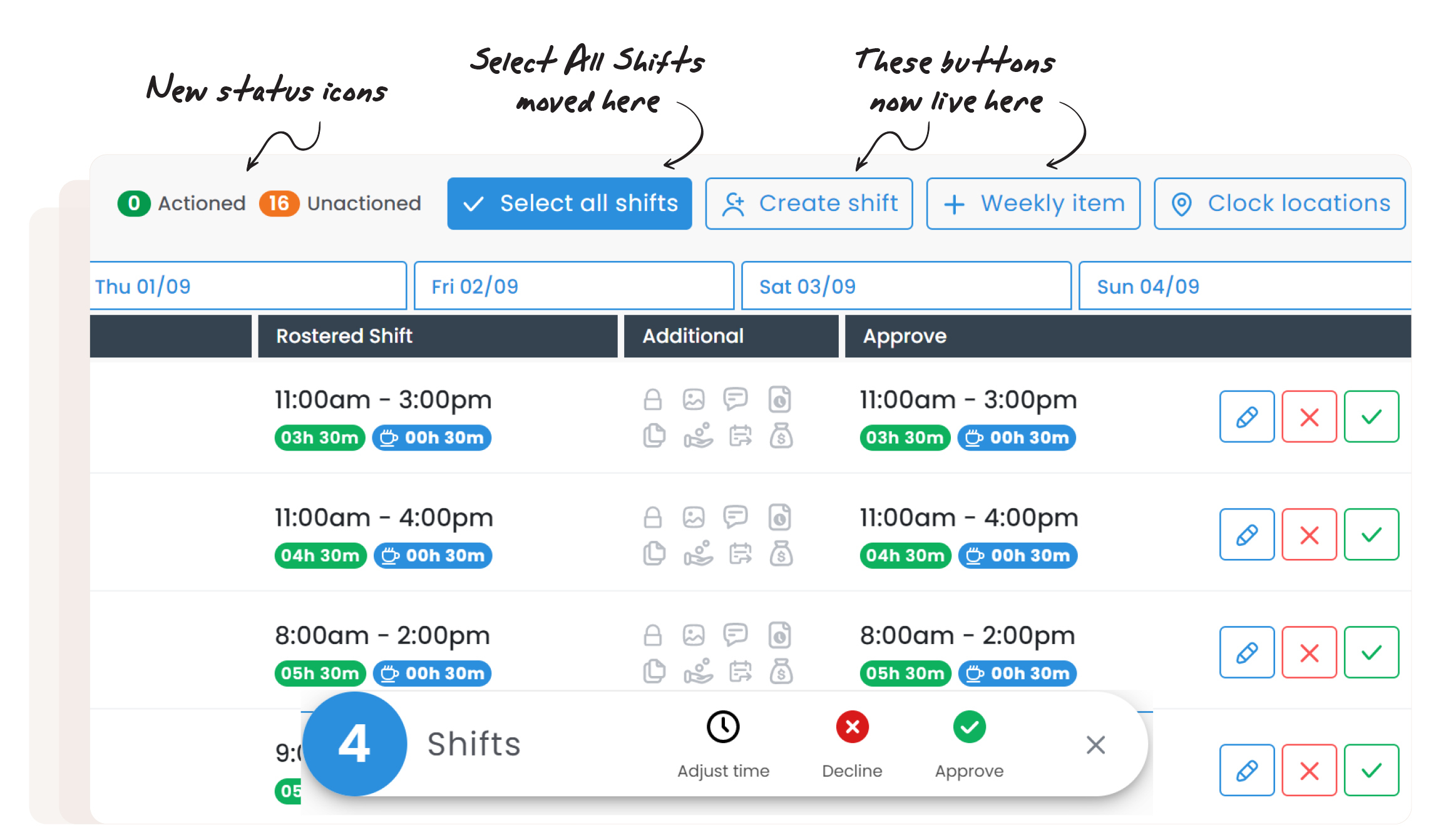
None of the functionality you are used to has changed, just the position of some buttons you may frequently use. Check out the changes below:
🚚 Create Shift & Add Weekly Item moved
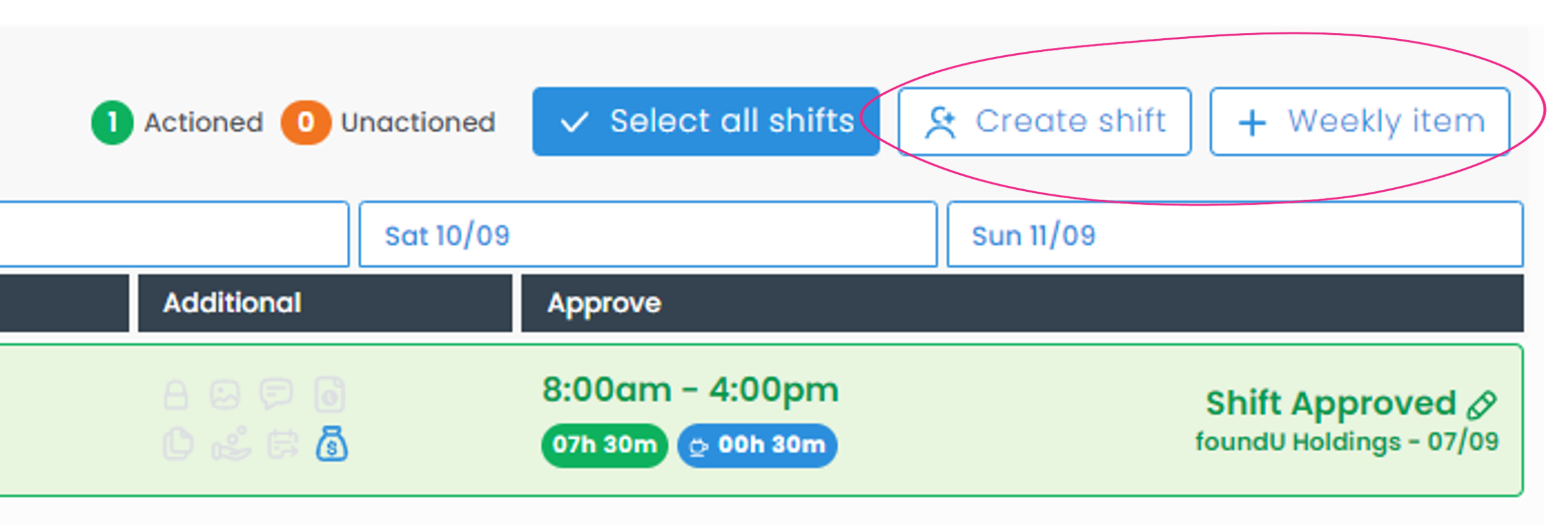
The 'Create Shift' and 'Add Weekly Item' (Reimbursements) buttons have moved to the top alongside your other action buttons.
⭐ New Unactioned Shifts Icons
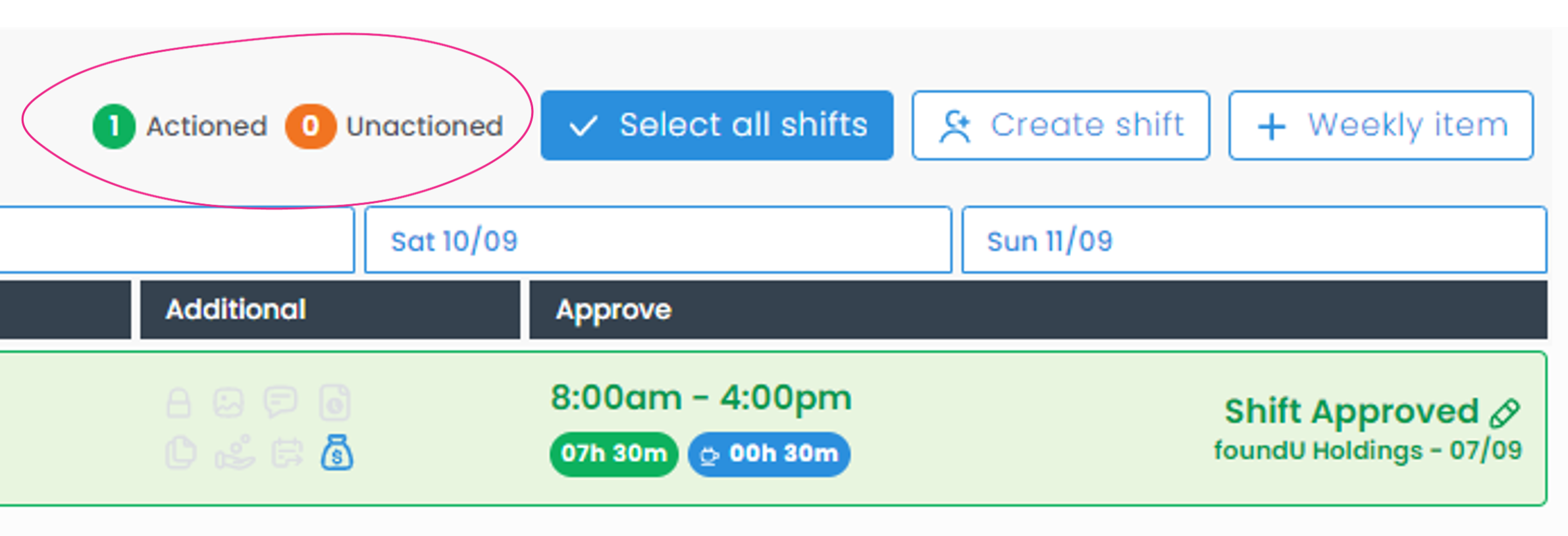
Easily track the number of shifts that have been or are yet to be actioned here with these new status icons.
⭐ New 'Select All Shifts' Button
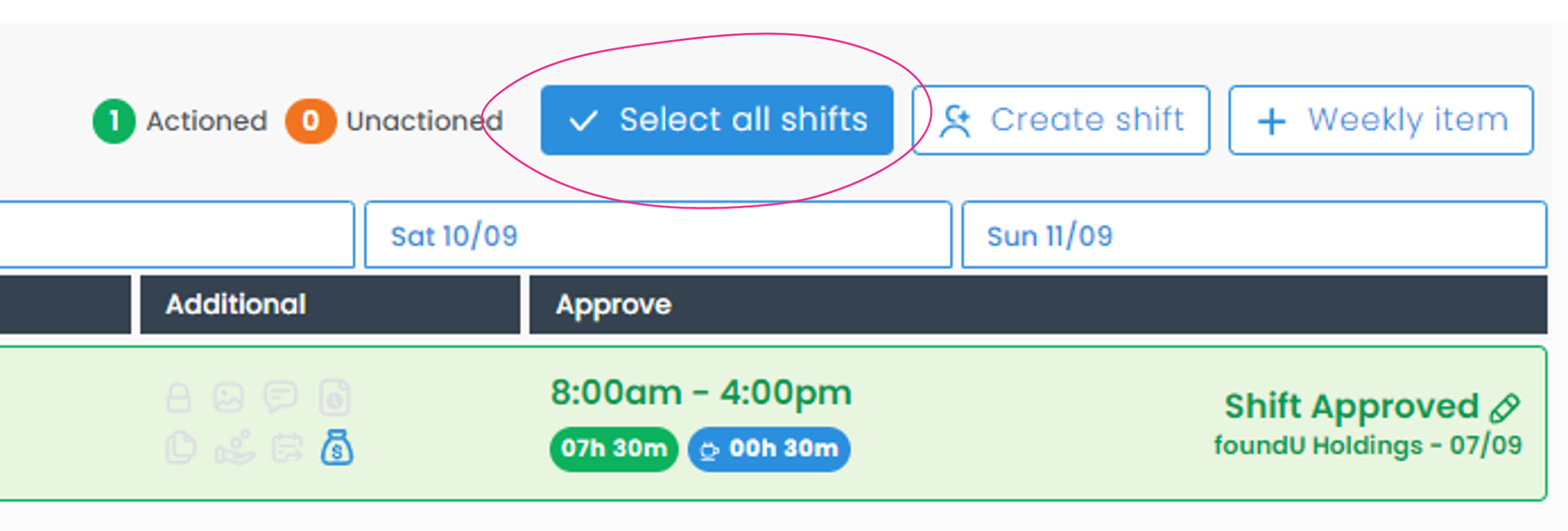
This button is now more prominent and replaces 'Approve All'. Select this button to Adjust Time, Approve or Decline all shifts in bulk.
(This feature is visible only if bulk approvals are enabled in your System Settings)
🚚 Select specific shifts button has moved
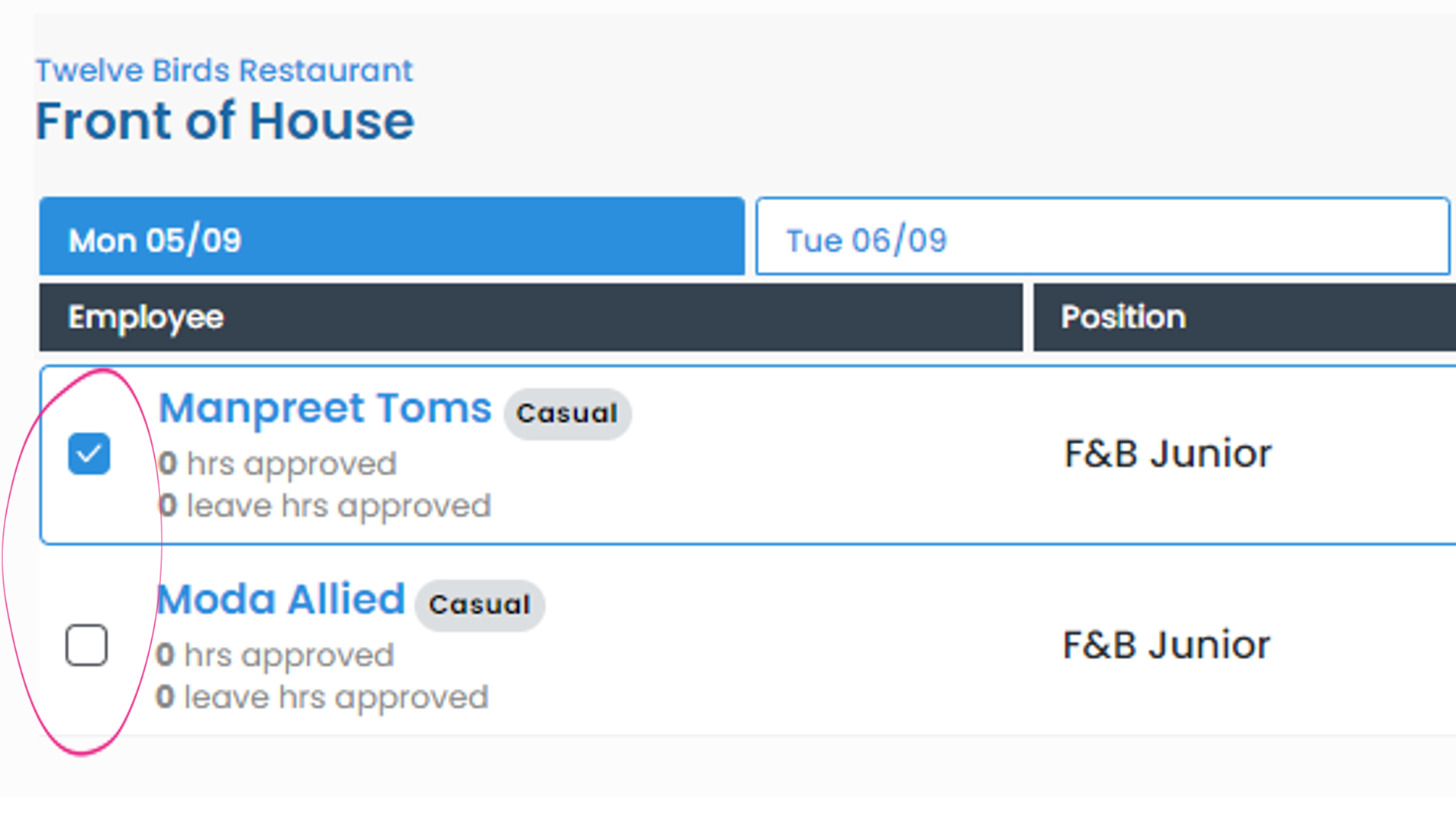
You can now select specific shifts to update using the checkbox to the left of the employee's name.
Comments
0 comments