
If you need to update a large number of your employee positions with locations, you can now do this in bulk using the new location export/import tool!
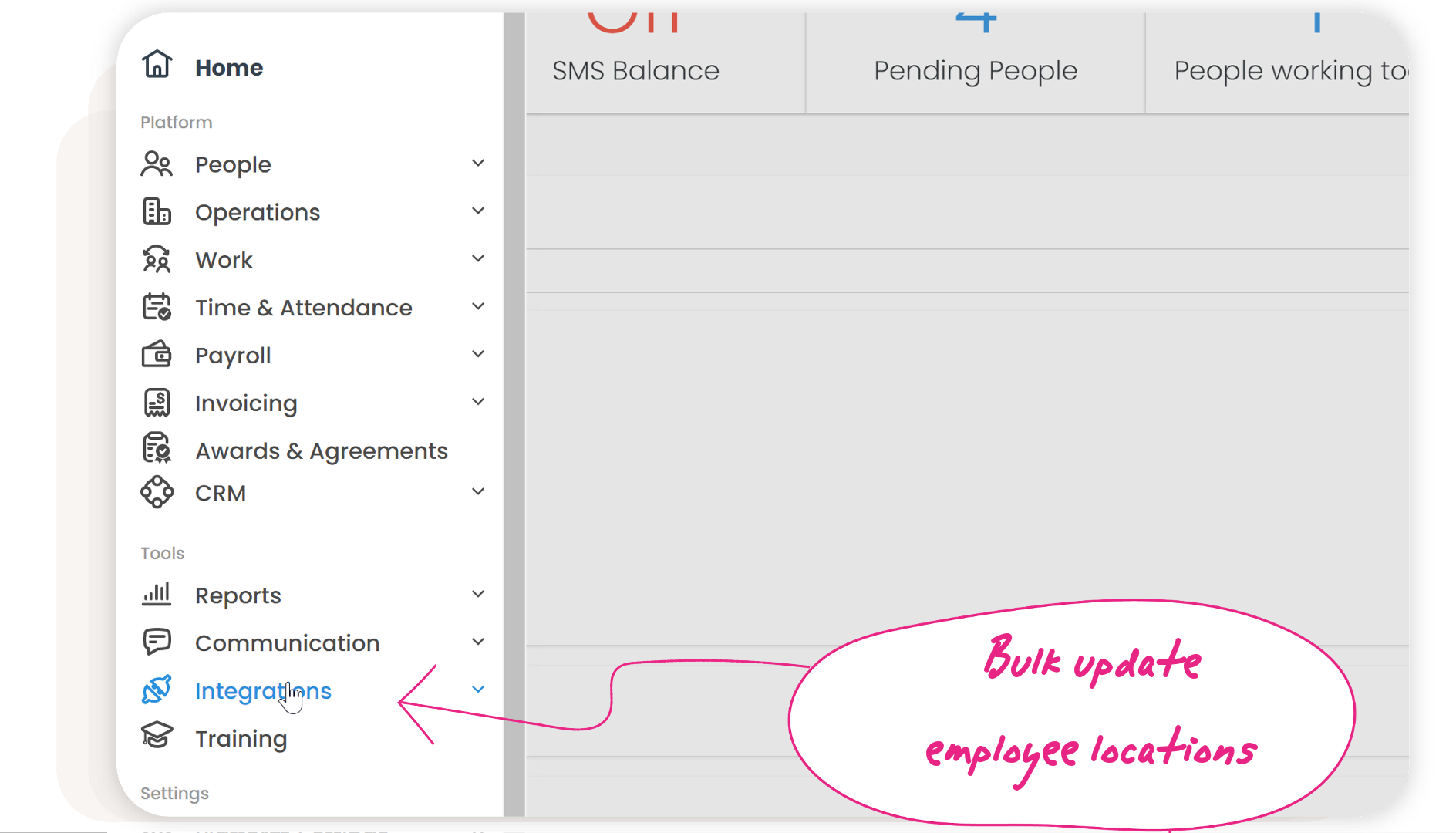
Simply head to your main menu > Integrations > CSV import. Here you can download your current employee list with locations, update the locations in the CSV file, and then import it back into the platform.
Comments
0 comments